






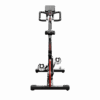


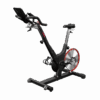
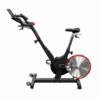
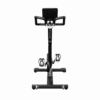
Keiser Indoor Cycle M3i Studio PLUS | Spinning Bike
CHF 2'790.-
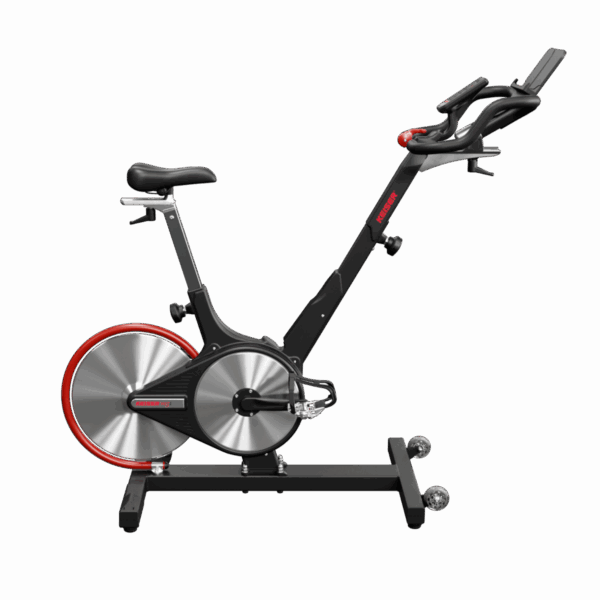
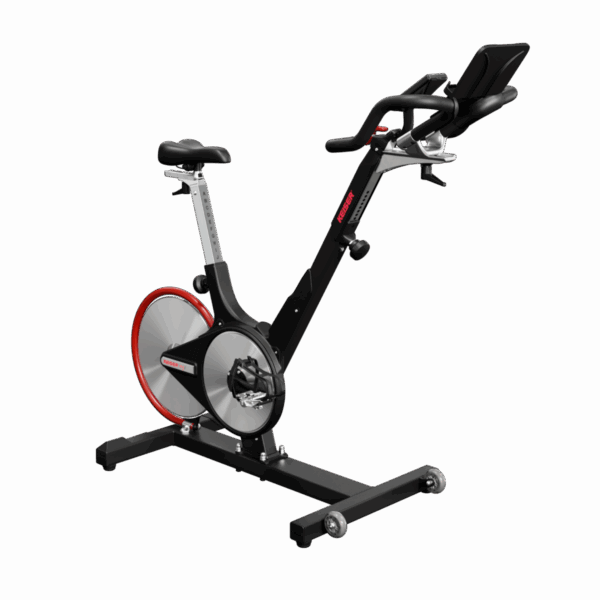
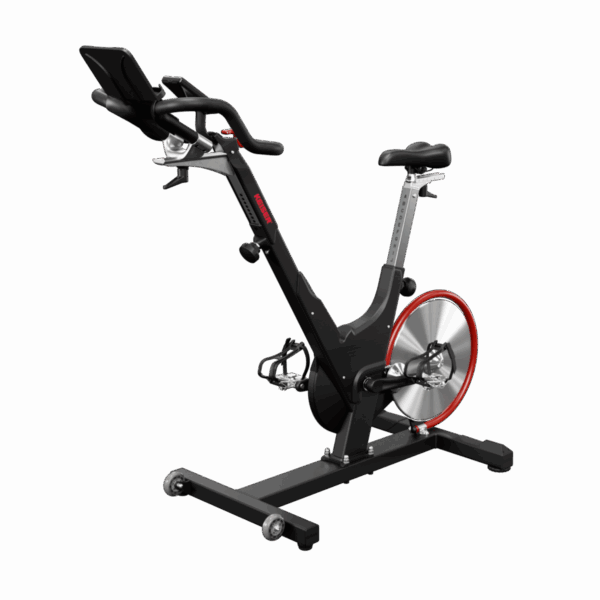
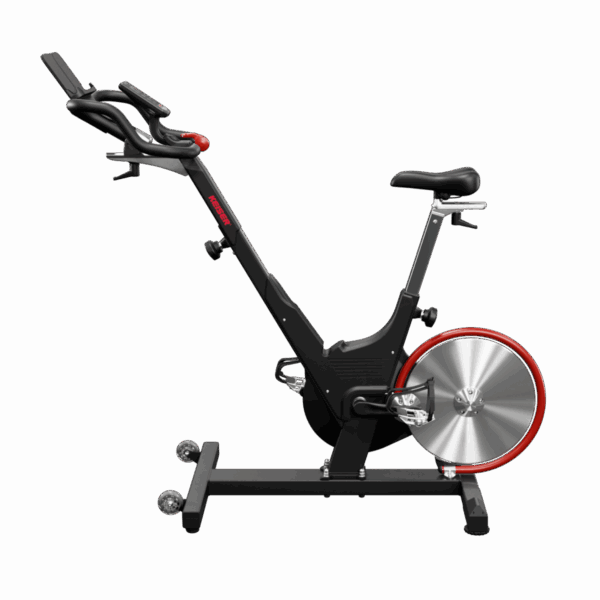
The Keiser M3i Studio Plus regulates the magnetic resistance in 72 instead of 24 levels and displays your FTP or heart rate zone in color instead of just numbers. The V-frame with 4-way handlebars and 4-way saddle accommodates heights from 147 to 213 cm, while the pedal generator eliminates the need for batteries. From Swiss stock, delivery in 1–3 working days.
more than 10 in stock, delivered in 1-3 business days
TWINTCardsInvoicefrom Swiss warehouse
| ✓ | 72 resistance levels: accurately hit the target watt output at any cadence |
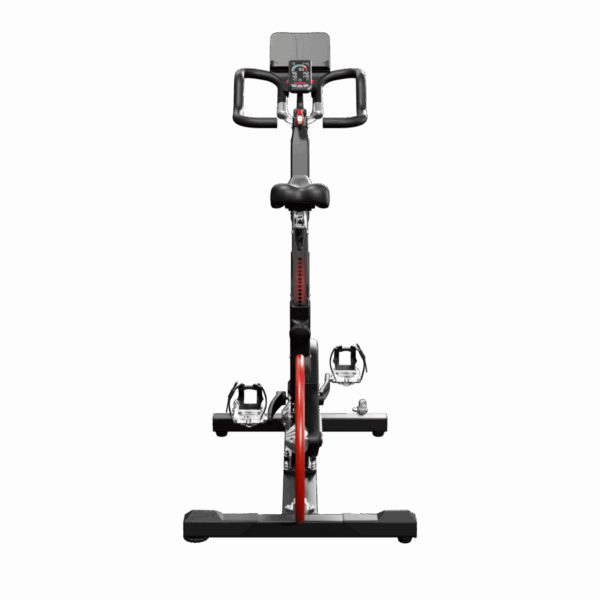
| ✓ | Color display shows your zone, not just numbers |
| ✓ | Pedal generator instead of batteries – no replacement, no cable |
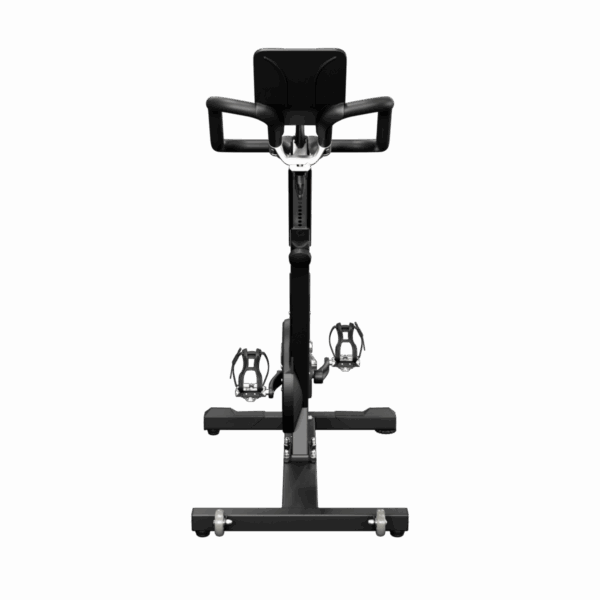
| ✓ | V-frame and 4-way handlebars for 147 to 213 cm |
| ✓ | Rear flywheel: weld does not hit the drive |
| ✓ | From Swiss warehouse, delivery in 1–3 working days |
The most common misconception: Studio and Studio Plus both cost CHF 2,790.– with us. The difference lies in the handlebar. With the Plus, you adjust it in four directions, with the Studio only in height. This results in the wider fit range from 147 to 213 cm. A tablet, a screen, or a class subscription is not included in the scope of delivery.
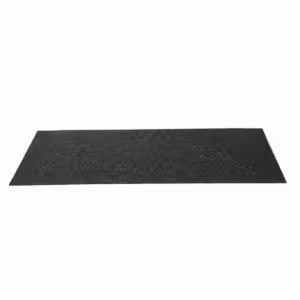
The bike weighs 42 kg and stands on four points. On parquet, laminate, or vinyl, a protective mat is worthwhile. The Floor protection mat 160 × 87 cm for cardio equipment completely covers the footprint of around 130 × 66 cm.
What training is the Keiser M3i Studio Plus suitable for?
The M3i Studio Plus is built for zone-based endurance training, where watts and heart rate are the controlling variables. Typical applications include, among others, guided group cycling classes with projection, FTP intervals in home training, endurance blocks in winter, off-season cycling, as well as rehab and longevity sessions via METs. In studios, multiple bikes run in parallel via the M Series Group App. At home, a smartphone on the media tray is sufficient. Further types of use are possible without conversion because the display transmits the data openly.
What does the Studio Display show while driving?
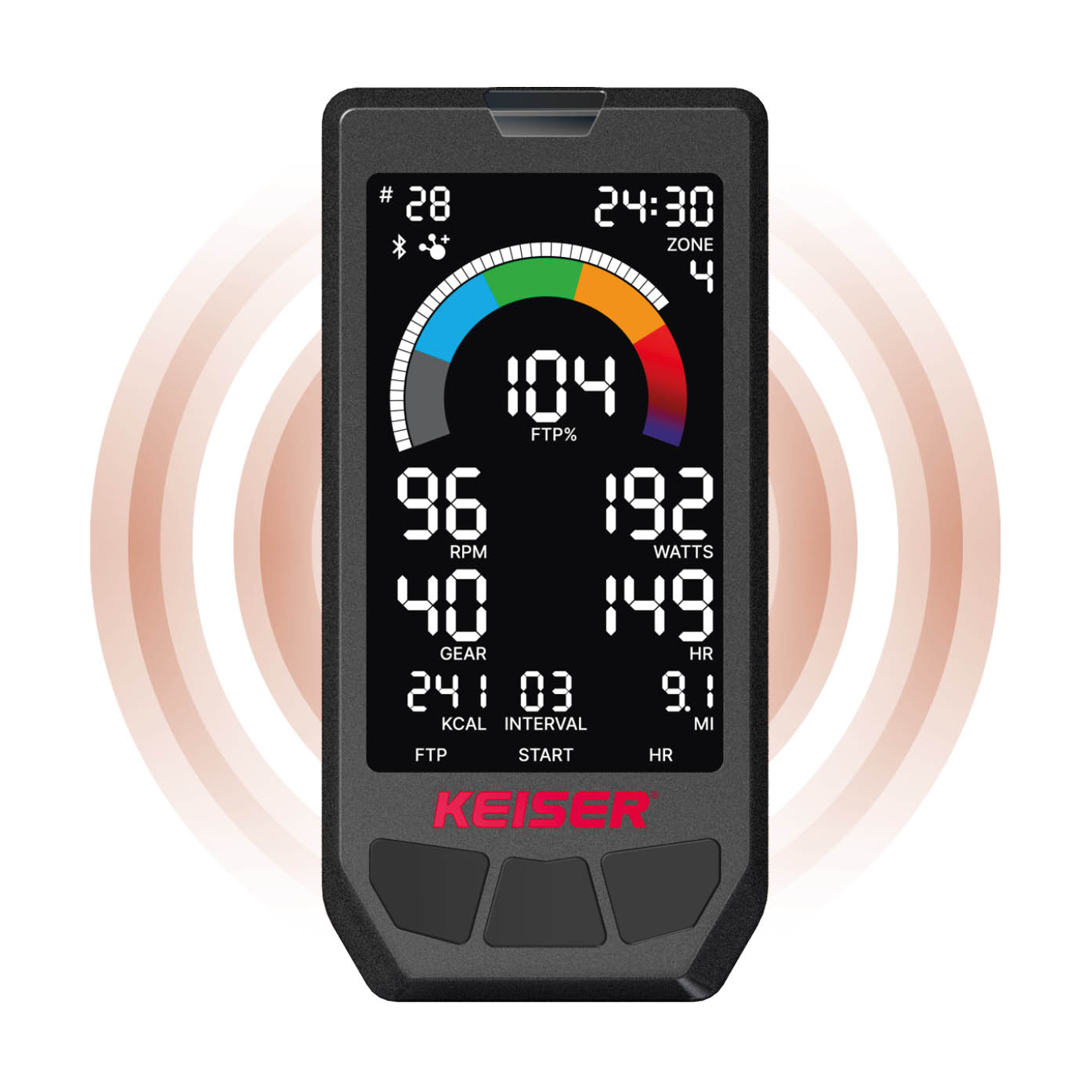
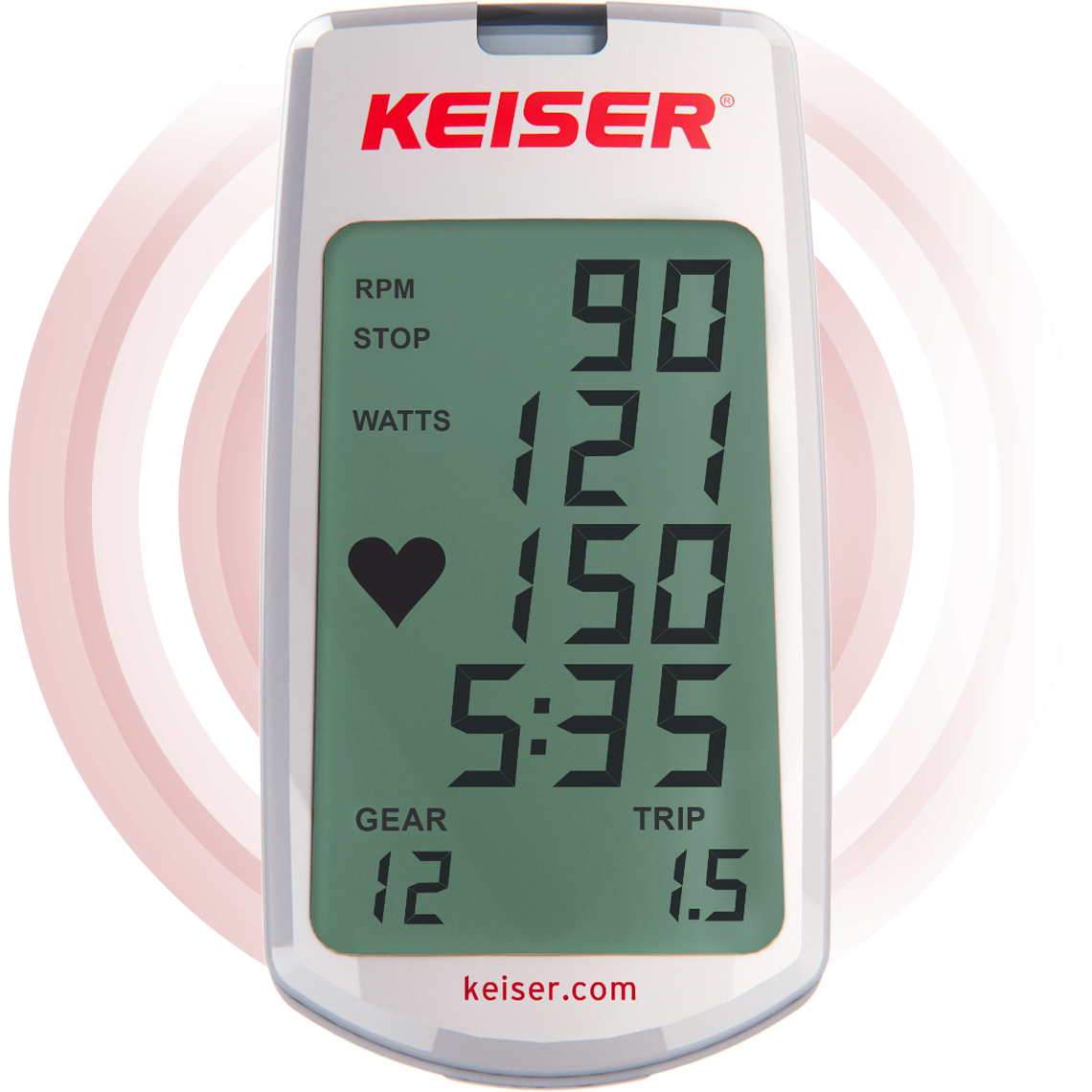
The Studio Display shows watts, cadence, kilocalories, time, distance, heart rate, and the selected gear from 1 to 72. In addition, there are four intensity modes: speed, FTP zones in five, six, or seven levels, heart rate zones, and METs. The zone appears as a color with a progress bar. This way, you can see whether you are riding at the lower end or the upper end of your zone. The display area is 86 percent larger than that of the M Connect display.
 |
 |
|
|---|---|---|
| Your displayStudio Display | M Connect Display | |
| Models | M3i Studio & Studio Plus | M3i & M3i Lite |
| Ad | Color LCD, Ride by Color | Black and White |
| Training Modes / Zones | % FTP, % Max HR, METs, Speed | none |
| Connectivity | Bluetooth & ANT+ | Bluetooth |
| Heart rate reception | Bluetooth & ANT+ | 5 kHz / GymLink |
| Personal Profile (FTP/MaxHR/Weight) | ✓ | — |
| Reset Values (Quick Reset) | ✓ | — |
| Power supply | Generator (no battery replacement) | 2 AA batteries |
How does the M3i Studio Plus ride compared to a flywheel bike?
The design is engineered for precision, not brute force. The resistance is magnetic, without a felt brake and without a friction point. The flywheel is positioned at the rear and is deliberately kept light. Anyone switching from a heavy flywheel bike will notice this immediately: the pedal stroke carries less momentum of its own and reacts more quickly to every change in wattage. This is precisely why intervals can be hit cleanly. Anyone looking for the heavy, rolling baseline rhythm will feel the difference clearly. The gear is selected by hand using the lever, in 72 steps.
Which model of the Keiser M3 series is right for me?
The series differs in three ways: the display, the number of gears, and the handlebar adjustment range. All mechanical components are identical.
| M3 | M3i Lite | M3i | M3i Studio | You are hereM3i Studio Plus | |
|---|---|---|---|---|---|
| Ideal for | Studio, Budget | Onboarding + Tracking | Entry-level, all sizes | Studio, Classes | Studio, any size |
| Display | — | M Connect (B/W) | M Connect (B/W) | Studio (Color) | Studio (Color) |
| Ride by Color / Zones | — | — | — | ✓ | ✓ |
| Courses | 24 | 24 | 24 | 72 | 72 |
| Connectivity | — | Bluetooth | Bluetooth | Bluetooth & ANT+ | Bluetooth & ANT+ |
| Power supply | — | 2 AA batteries | 2 AA batteries | Generator | Generator |
| Handlebar adjustment | 2-Way | 2-Way | 4-Way | 2-Way | 4-Way |
| Height | 147–213 cm | 150–188 cm | 147–213 cm | 150–188 cm | 147–213 cm |
| Max. user weight | 136 kg | 160 kg | 160 kg | 160 kg | 160 kg |
| Price (CHF) | 1,990.00 | 2,490.00 | 2,590.– | 2,790.– | 2,790.– |
What is included with the Keiser M3i Studio Plus and what can it connect to?
Frequently Asked Questions
Keiser M3i Studio Plus – Pre-purchase Questions
What is included in the scope of delivery?
How much space does the bike need and how heavy is it?
For what height and weight is it designed?
How loud is the bike, and how much maintenance does it require?
Does the M3i Studio Plus work with Zwift and other apps?
Do I need clip-in shoes for training?
Does the display need batteries or an electrical outlet?
What is the difference between the Studio Plus and the Keiser M3i Studio?
When is the bike available?
|
You must be logged in to post a review.



Reviews
There are no reviews yet.