




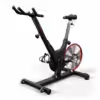
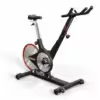
Keiser Indoor Cycle M3 | Spinning Bike
CHF 1'990.-
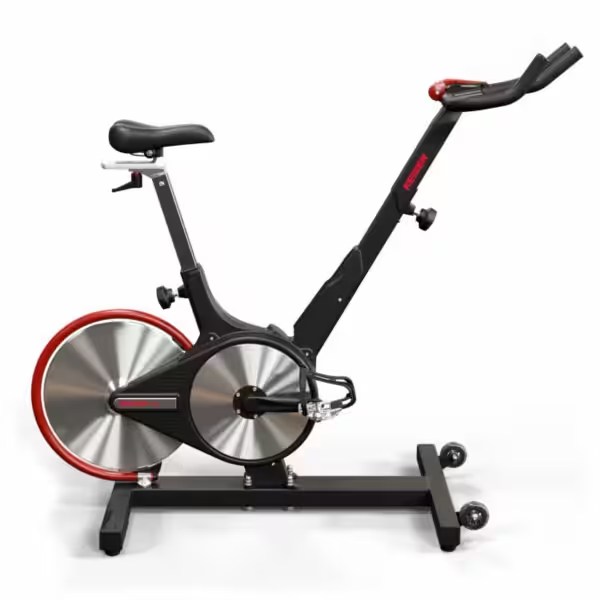
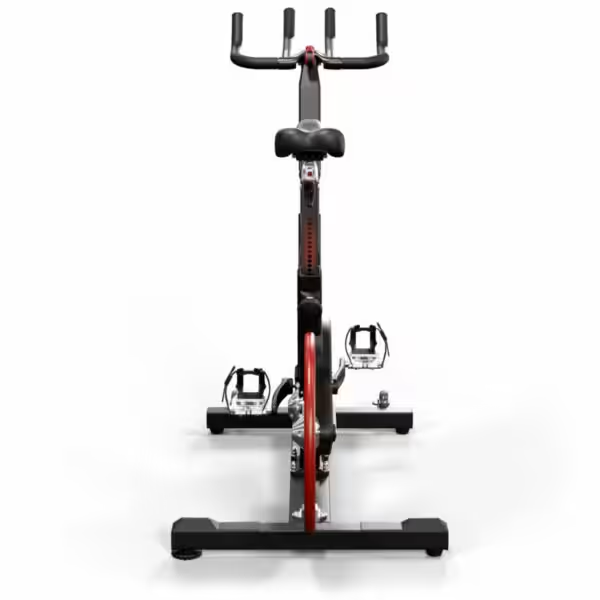
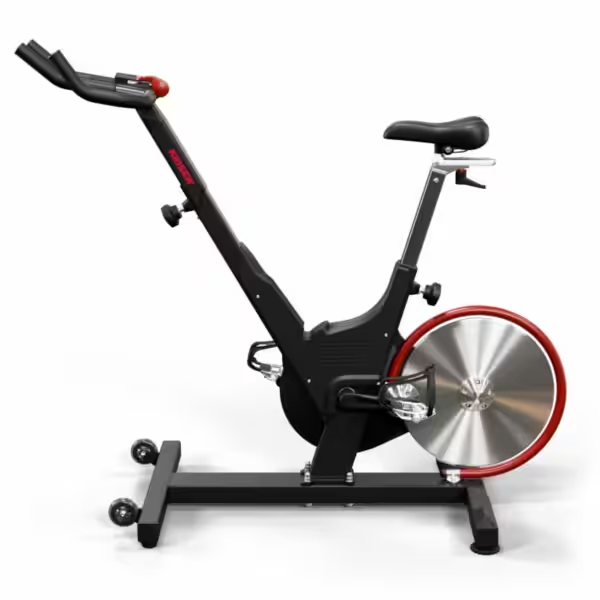
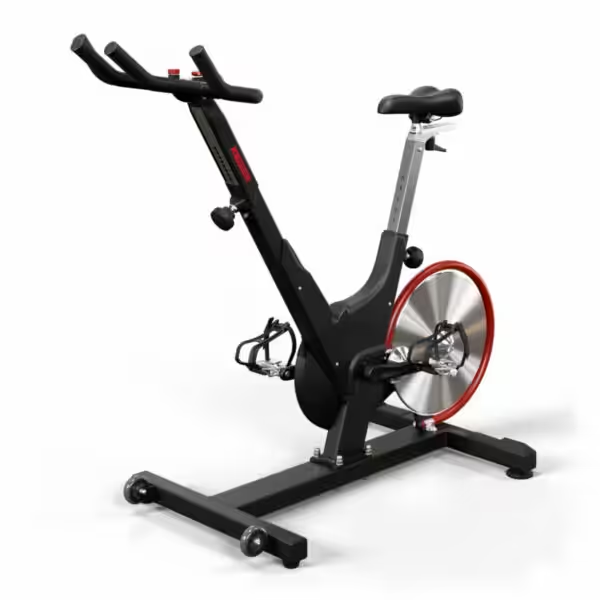
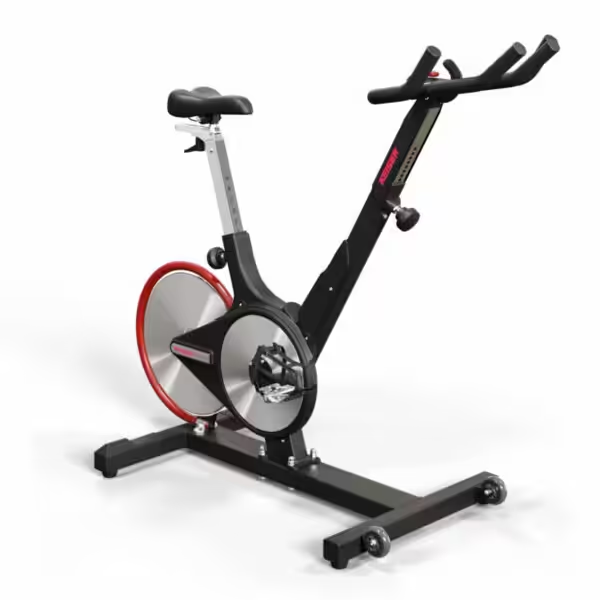
The Keiser M3 is intentionally designed without a display: no batteries, no electronics, nothing that can fail during continuous operation. The magnetic brake with 24 resistance levels, belt drive, and V-frame feature the same technology as the larger models in the series. At CHF 1,990.–, it is the most affordable new Keiser bike, available from a Swiss warehouse in 1–3 business days.
out of stock
This product is currently sold out!
| ✓ | Without a display: no batteries, no continuous electronics operation |
| ✓ | 24 resistance levels via the magnetic brake, without a friction point |
| ✓ | Saddle 4-way adjustable, handlebar height-adjustable |
| ✓ | Rear flywheel: weld does not hit the drive |
| ✓ | Cheapest new device in the series, CHF 1,990.– |
| ✓ | From Swiss warehouse, delivery in 1–3 working days |
First things first: this bike does not have a training computer. It displays neither watts nor cadence, time, distance, or calories. You adjust the resistance using the lever, and you can read the level off the scale. Anyone who works with watt values or wants to send data to an app is in the wrong place here. Anyone looking for an indestructible work tool is in exactly the right place. Also, the maximum user weight at 136 kg is lower than the other models in the series.
If you need performance data, the Keiser M3i Lite with M Connect Display the next larger model. For CHF 500 more, you get power, cadence, Bluetooth transmission, and a maximum user weight of 160 kg.
What type of workout is the Keiser M3 without a display suitable for?
The M3 is designed for facilities where equipment is in daily use but no one analyzes the data. Typical applications include physical therapy and rehabilitation clinics with preset intensity levels, club facilities, hotel and employee gyms, warm-up areas adjacent to class spaces, and home workouts based on how you feel rather than on numbers. It also works well as a second bike alongside a data-enabled model. Additional uses are possible without any modifications, since nothing on the bike itself needs to be configured.
What does „without a display“ actually mean in everyday life?
While riding, you won’t see any numbers except for the resistance level on the lever. You can track your progress using the time displayed on the clock, your music, the instructor’s guidance, or a heart rate monitor on your wrist. The advantage becomes clear in practice: no batteries, no need to replace the display, no pairing issues, and no device for someone to take with them. In gyms with many bikes, this is precisely a cost factor over the years. On the other hand, if you want to track your progress, you’ll need a model with a training computer.
How does the M3 ride compared to a flywheel bike?
The design is geared toward precision, not brute force. The resistance is magnetic, with no felt brake and no friction points. The flywheel is located at the rear and is intentionally kept lightweight. Anyone switching from a bike with a heavy flywheel will notice this immediately: The pedaling feels less effortless and responds more quickly to any change in load. That’s exactly why you can ride intervals with precision. Anyone looking for that heavy, rolling feel will clearly notice the difference. You select the resistance level manually, in 24 steps.
Which model of the Keiser M3 series is right for me?
The series differs in three ways: the display, the number of gears, and the handlebar adjustment range. All mechanical components are identical.
| You are hereM3 | M3i Lite | M3i | M3i Studio | M3i Studio Plus | |
|---|---|---|---|---|---|
| Ideal for | Studio, Budget | Onboarding + Tracking | Entry-level, all sizes | Studio, Classes | Studio, any size |
| Display | — | M Connect (B/W) | M Connect (B/W) | Studio (Color) | Studio (Color) |
| Ride by Color / Zones | — | — | — | ✓ | ✓ |
| Courses | 24 | 24 | 24 | 72 | 72 |
| Connectivity | — | Bluetooth | Bluetooth | Bluetooth & ANT+ | Bluetooth & ANT+ |
| Power supply | — | 2 AA batteries | 2 AA batteries | Generator | Generator |
| Handlebar adjustment | 2-Way | 2-Way | 4-Way | 2-Way | 4-Way |
| Height | 147–213 cm | 150–188 cm | 147–213 cm | 150–188 cm | 147–213 cm |
| Max. user weight | 136 kg | 160 kg | 160 kg | 160 kg | 160 kg |
| Price (CHF) | 1,990.00 | 2,490.00 | 2,590.– | 2,790.– | 2,790.– |
When you are torn between two models, decide on the question of data first. If you need watts, there is no way around a display.
Which display do the models with a training computer have?
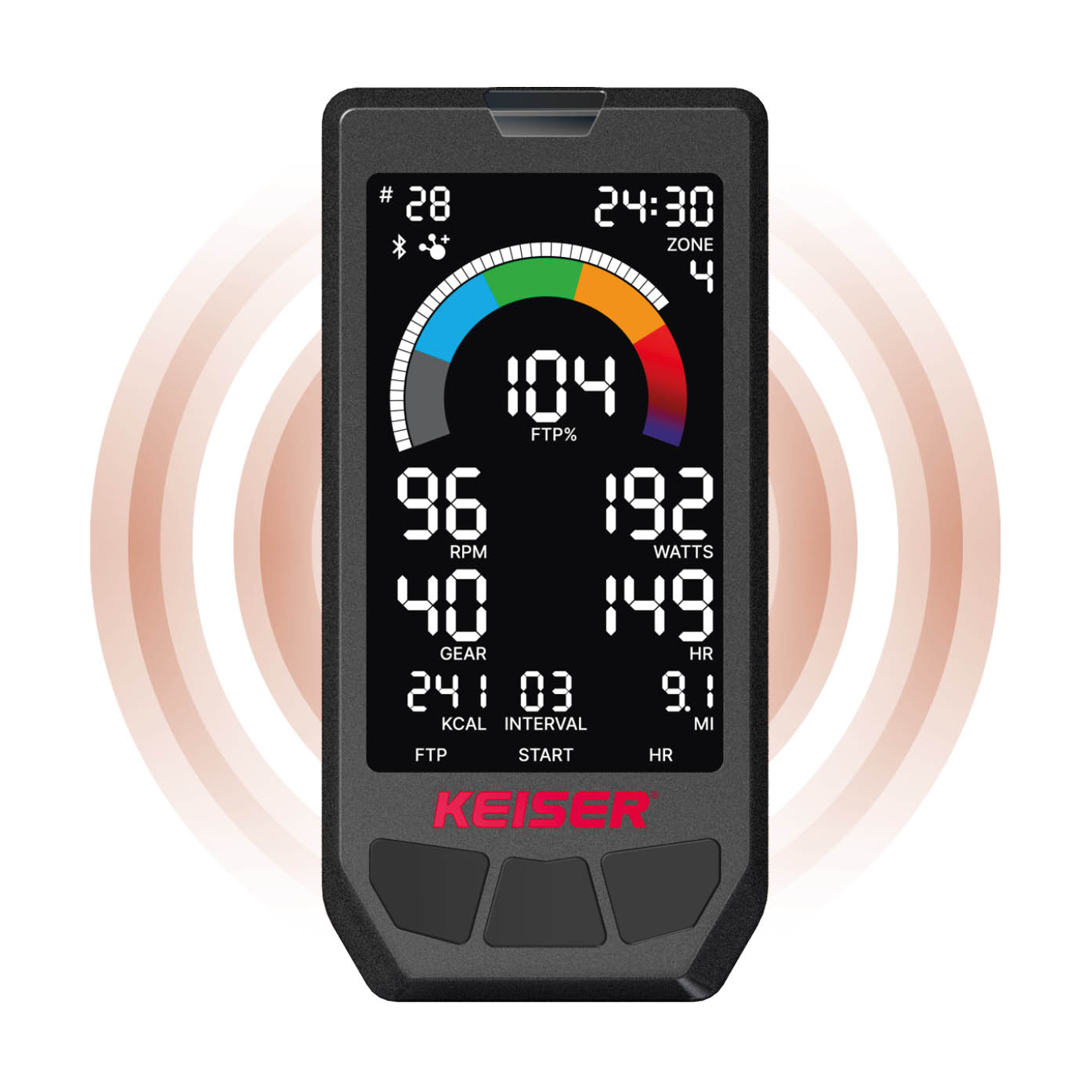
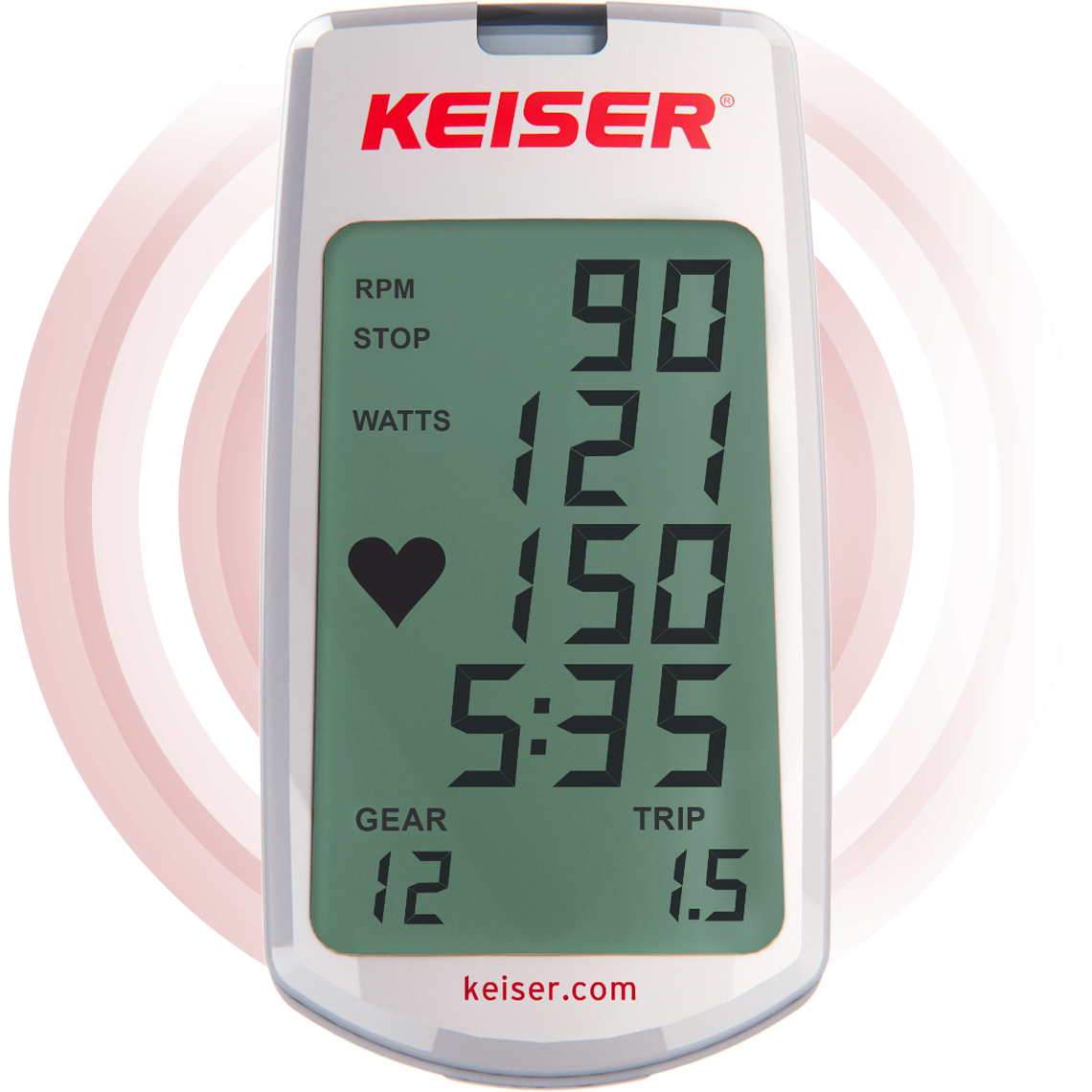
Should you decide to upgrade after all: The series features two displays. The M Connect display is found in the M3i Lite and M3i and shows watts, cadence, calories, time, and distance in black and white. The Studio display is found in the M3i Studio and Studio Plus, shows the same metrics in color, and adds zone training based on FTP, heart rate, and METs. Both transmit their data wirelessly to apps and projection systems.
 |
 |
|
|---|---|---|
| Studio Display | M Connect Display | |
| Models | M3i Studio & Studio Plus | M3i & M3i Lite |
| Ad | Color LCD, Ride by Color | Black and White |
| Training Modes / Zones | % FTP, % Max HR, METs, Speed | none |
| Connectivity | Bluetooth & ANT+ | Bluetooth |
| Heart rate reception | Bluetooth & ANT+ | 5 kHz / GymLink |
| Personal Profile (FTP/MaxHR/Weight) | ✓ | — |
| Reset Values (Quick Reset) | ✓ | — |
| Power supply | Generator (no battery replacement) | 2 AA batteries |
What comes with the Keiser M3, and what can it be paired with?
Frequently Asked Questions
Keiser M3 – Questions to Ask Before Buying
Does the Keiser M3 have a workout computer?
What is included in the scope of delivery?
What is the maximum user weight for the M3?
How much space does the bike take up?
How loud is the bike, and how much maintenance does it require?
Can I add a display later?
Do I need clip-in shoes for training?
Is the M3 suitable for studio or clinical use?
What's the difference between the M3 and the M3i?
When is the bike available?
Related products
-
Soft Kettlebell | Floor-friendly
from CHF 12.- Select options This product has multiple variants. The options may be chosen on the product page -


Fabric Mini Band | Set of 3
-


Assault Classic Bike | Airbike
-

Foam Ball 8 cm | Fascia Massage Ball